guide
How to Light a Home Office With No Windows
You need 500-750 lux at desk height from overhead and task lighting combined, with a colour temperature between 4000-5000K to simulate daylight. Two light…
Devs At Home is a participant in the Amazon Services LLC Associates Program, an affiliate advertising program. We earn from qualifying purchases. This never affects what we recommend or what we say about it.
You need 500-750 lux at desk height from overhead and task lighting combined, with a colour temperature between 4000-5000K to simulate daylight. Two light sources at different heights will eliminate shadows on your screen and keyboard. Budget 40-60 watts of LED equivalent brightness for every 100 square feet of floor space.
Key points
- You need 500-750 lux at your keyboard. That's two to three times what a residential ceiling fixture puts out.
- 4000K to 5000K looks like daylight without the surgical-suite glare of 6500K.
- One overhead light will glare off your screen and cast shadows across your hands. Use a ceiling fixture and add a task light or bias light.
- Flicker-free LED bulbs keep your eyes comfortable through a long day. Cheap dimmable LEDs flicker below 50% brightness.
- Put your monitor perpendicular to your brightest light. Otherwise you'll see it reflected in the screen.
- CRI 90 or higher makes skin tones look normal on video calls. CRI 80 turns everyone gray.
How much light does a windowless office need
Measure light levels in lux at your desk surface with a light meter or a smartphone app like Light Meter Free for Android or Lux Light Meter Pro for iOS. You need 500-750 lux at the keyboard to match an office with indirect daylight. Most residential ceiling fixtures deliver 200-300 lux at desk height. That's enough to see. Not enough to work without eye fatigue.
Calculate total lumen output by multiplying your room's square footage by 50-75 lumens per square foot. A 100 square foot office needs 5000-7500 lumens total from all fixtures combined. A standard LED bulb produces 800-1100 lumens, so one bulb in a ceiling fixture won't get you there.
Lux measures light reaching a surface. Lumens measure total output from a bulb. Distance matters: a ceiling fixture eight feet above your desk provides less usable light than a task lamp two feet from your keyboard, even with identical bulbs.
What color temperature works for all-day typing
Color temperature is measured in Kelvin and describes whether light looks warm yellow or cool blue. For a windowless office, stick to 4000-5000K. That range simulates midday daylight. It gives you enough blue spectrum to suppress melatonin and stay alert, without the clinical glare of 6500K hospital fixtures.
Warm white bulbs at 2700-3000K belong in a living room, not here. They lack the blue wavelengths that tell your circadian system it's daytime. Nine hours under warm light in a windowless room will make you drowsy by mid-afternoon compared to cooler temperatures.
Don't mix color temperatures in the same room. A 5000K overhead fixture paired with a 3000K desk lamp creates color contrast that forces constant readjustment. Keep all bulbs within 500K of each other.
Which lighting setup eliminates screen glare
Screen glare comes from light sources behind you or in front of you reflecting off the monitor. Position your desk so the brightest light sits to your left or right, perpendicular to your line of sight. Light lands on your keyboard and desk without bouncing off the screen.
A windowless office needs at least two light sources to avoid harsh shadows. Use an overhead fixture for ambient light and a desk lamp for task light, or run two overhead fixtures on opposite sides of the room. Put a single bright light directly above your monitor and you get a reflection on the top half of the screen plus shadows from your hands onto the keyboard.
Indirect lighting bounces light off walls or ceiling before it reaches your desk. Glare drops. You'll need higher wattage bulbs to hit the same lux at desk height, though. A torchiere floor lamp pointing at the ceiling gives you indirect ambient light; a desk lamp handles the close work.
How to choose fixtures and bulbs
Overhead fixtures for ambient light
A flush mount ceiling fixture or pendant light gives you your ambient layer in a windowless office. You need a fixture that takes at least two bulbs, or one rated for a single high-output bulb at 1600 lumens or more. An 800 lumen bulb on its own won't cut it.
Flush mounts with white diffusers spread light evenly, but they eat 20-30% of your bulb's output in the process. Open-bottom fixtures or clear glass shades deliver more lumens to the desk at the cost of sharper shadows. Without windows, prioritize getting enough light into the room first. You can fill the shadows with a second source.
Task lamps for desk lighting
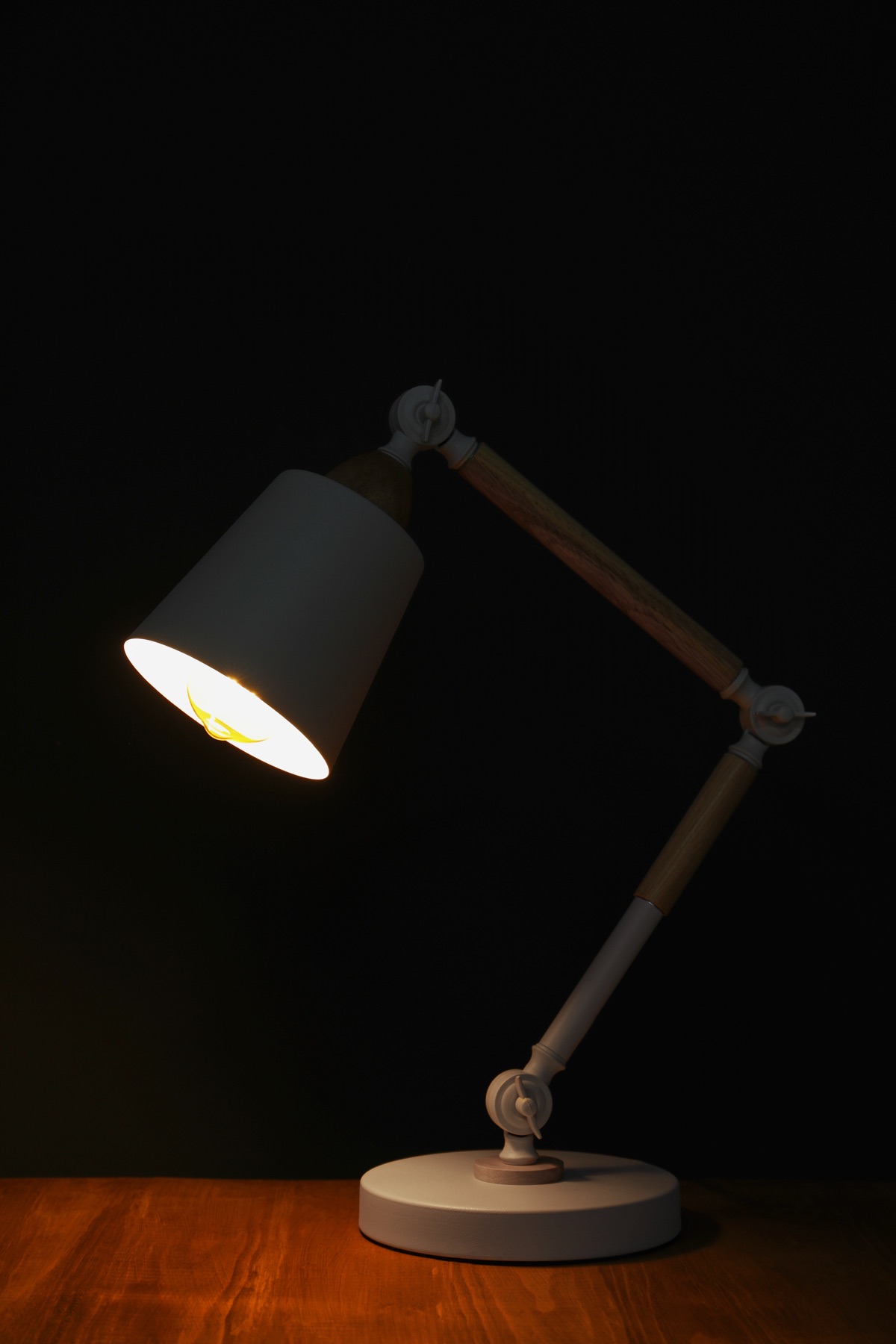
Your desk lamp needs to deliver 300-400 lux at the keyboard. That means an 800-1100 lumen bulb positioned 18-24 inches from the work surface. Adjustable arm lamps let you aim the light where it won't glare off the screen, and clamp-mount models save desk space compared to the base-mount kind.
LED panel desk lamps produce even, shadow-free light across a wide area. You can't adjust them once they're in place. Traditional adjustable arm lamps with a single bulb give you a focused pool of light you can move throughout the day — the way the sun angle would shift if you had windows.
LED bulbs versus integrated LED fixtures
Replaceable LED bulbs let you swap color temperature or brightness later. Integrated LED fixtures lock you into one light output and one color temperature. The integrated kind lasts 25,000-50,000 hours, but when the LEDs die you replace the whole fixture. Replaceable bulbs run 10,000-25,000 hours and cost less when they fail.
Look for bulbs and fixtures labeled flicker-free or with a flicker percentage below 5%. Cheap dimmable LEDs flicker at reduced brightness, and that causes eye strain over eight hours even when you don't consciously see it. Non-dimmable LED bulbs flicker less than dimmable ones.
| Lighting approach | Total lumens needed | Typical cost | Adjustability | Glare risk |
|---|---|---|---|---|
| Single overhead fixture | 5000-7500 | Fixture plus bulbs | None after installation | High on screen |
| Overhead plus desk lamp | 3000-4500 overhead, 800-1100 task | Both fixtures plus bulbs | Task lamp repositions | Low if positioned correctly |
| Two overhead fixtures | 2500-3750 each | Two fixtures plus bulbs | None after installation | Medium, depends on placement |
| Torchiere plus desk lamp | 2000-3000 indirect, 800-1100 task | Both lamps plus bulbs | Both lamps reposition | Very low |
What CRI rating matters for video calls
CRI is Color Rendering Index, which measures how accurately a light source reproduces colors compared to natural daylight. It runs from 0 to 100. You need CRI 90 or above.
Standard LED bulbs sit at CRI 80-85 and make skin tones look gray or greenish on camera. High CRI bulbs — labeled 90+ CRI or high CRI — cost a few dollars more and reproduce skin tones accurately. CRI 95-100 bulbs are sold for photography and art studios. They cost significantly more. For office work, they do nothing the CRI 90-95 range doesn't already do.
CRI doesn't affect brightness or how well you can see to type. A CRI 80 bulb and a CRI 95 bulb with the same lumen output and color temperature provide identical task visibility. The difference shows up on Zoom, not at your desk.
Where to position lights to avoid shadows
Put your brightest light to the left or right at shoulder height or above. Sidelight hits the keyboard and papers without glaring off the screen or throwing hand shadows onto the keys. Overhead light casts shadows from your head and shoulders straight down onto the desk.
Two light sources work best at 45-degree angles in front of you, one on each side of the monitor. You get even illumination with almost no shadows. Never put a light directly behind the monitor — it backlights the screen, kills contrast and strains your eyes.
A bias light is a small LED strip you mount on the back of the monitor to wash the wall behind it. This lifts the ambient light in your peripheral vision while you stare at the screen, which cuts the contrast between the bright panel and the dark wall. Bias lights reduce eye fatigue. They do not light the keyboard or papers.
How to test if you have enough light
Download a lux meter app and take a reading at your keyboard. Phone flat on the desk where your hands sit. You're looking for 500-750 lux with everything on. Below 400 means you need more output or a closer task lamp.
Sit down and look at your monitor with all the lights on. Bright reflections of the fixtures on the screen? Move the lights or rotate the desk. Now hold a sheet of white paper where you'd normally keep a notebook. Sharp dark shadows from your hands or head mean you need a second light from another angle.
Work under the setup for two hours. Your eyes strain or you lean in toward the screen? Increase the light or cut the glare. If you feel alert and the keyboard stays clear without fatigue, you're done.
Common questions
Can I use smart bulbs to change brightness during the day
Smart bulbs let you adjust color temperature and brightness through an app or voice command. Start at 5000K and full brightness in the morning, drop to 4000K at midday, and dim to 3000K in the evening. This color shift mimics natural daylight and supports circadian rhythm regulation better than leaving the same bulb on for nine hours. Smart bulbs cost two to three times more than standard LEDs and need a hub or Wi-Fi connection.
Do I need a SAD lamp in a windowless office
A SAD lamp produces 10,000 lux at a specified distance and treats seasonal affective disorder, not a workspace. Light therapy requires sitting with the lamp in your peripheral vision for 20-30 minutes, not having it on while you work. A properly lit windowless office with 500-750 lux at 4000-5000K provides enough light for circadian regulation during the work day. You don't need a separate therapy lamp.
How do I avoid flicker from LED bulbs
Buy bulbs labeled flicker-free or with a flicker percentage below 5%. That figure is listed in the specifications on the manufacturer's website or on the retail listing. Non-dimmable LED bulbs flicker less than dimmable models. If you already own dimmable LEDs that flicker, run them at full brightness rather than dimmed — flicker increases at lower brightness levels.
Should I use daylight spectrum bulbs rated 6500K
Bulbs rated 6500K match the color temperature of direct sunlight at noon but look too blue and harsh for indoor use. This color temperature is used in commercial warehouses and industrial settings where color accuracy matters more than comfort. Use 4000-5000K instead. You get the blue spectrum needed for alertness without the clinical appearance of 6500K light.
Can I use warm white bulbs if I find cool white too harsh
Warm white bulbs at 2700-3000K lack the blue wavelengths that suppress melatonin and promote alertness during the day. If 5000K feels too harsh, use 4000K bulbs instead. They provide a neutral white light with enough blue spectrum for circadian regulation. Spending a full work day under 3000K light in a windowless room increases drowsiness and reduces focus compared to 4000K or 5000K.
How bright should a desk lamp be compared to overhead lights
A desk lamp should provide 300-400 lux at the keyboard. Overhead lighting provides 200-350 lux across the room. The combined total at your desk should reach 500-750 lux. The task lamp is roughly as bright as the ambient lighting at desk level, not significantly brighter or dimmer.
Do I need to replace all my lights at once
Start with a single high-output overhead fixture or a combination of an overhead fixture and a desk lamp to reach 500-750 lux at your desk. Measure the light level, work for a few days, and then add or adjust lighting based on glare or shadows. Replacing all lighting at once often results in over-lighting or poorly positioned fixtures that create glare you didn't anticipate.
What if my ceiling is too high for a flush mount fixture to provide enough light
A ceiling higher than nine feet requires either a pendant light that hangs closer to desk height or higher lumen output from the ceiling fixture to compensate for the distance. A pendant hung 6-7 feet above the floor provides more usable light than a flush mount on a 10-foot ceiling. Alternatively, rely more heavily on task lighting. Use the overhead fixture only for ambient fill light.
Recommended approach
Install a flush mount ceiling fixture with two or three bulbs totaling 3000-4500 lumens at 4000-5000K and CRI 90 or above. Add an adjustable arm desk lamp with an 800-1100 lumen bulb at the same color temperature. Position the desk lamp to your left or right so light hits the keyboard without reflecting off the screen. Measure lux at your desk and adjust bulb wattage or lamp position until you reach 500-750 lux.
Two lights cost less than multiple overhead fixtures. You can adjust the task light throughout the day. Screen glare and harsh shadows disappear.
Skip this if your ceiling is lower than seven feet. Overhead and task lighting at that distance creates excessive brightness and glare. Use task lighting only, and add a torchiere for indirect ambient light instead.