
Beige Box Nostalgia
It boots to a prompt and it sounds like 1994.
Beige Box is the setup for people whose favourite computer had a turbo button. The look is warm off-white plastic, chunky bezels and a keyboard with real travel — but the ergonomics underneath are modern, because nostalgia is not worth a wrist injury.
Start here
- 1 A mechanical board with real travel
- 2 A monitor that suits a square-ish aspect
- 3 A desk deep enough for a big keyboard
The collection
Devs At Home is a participant in the Amazon Services LLC Associates Program, an affiliate advertising program. We earn from qualifying purchases. This never affects what we recommend or what we say about it.
 Retro Computing
Azio Mk Retro USB Typewriter Inspired Mechanical Keyboard
3 ranked reviews, none we trust yet

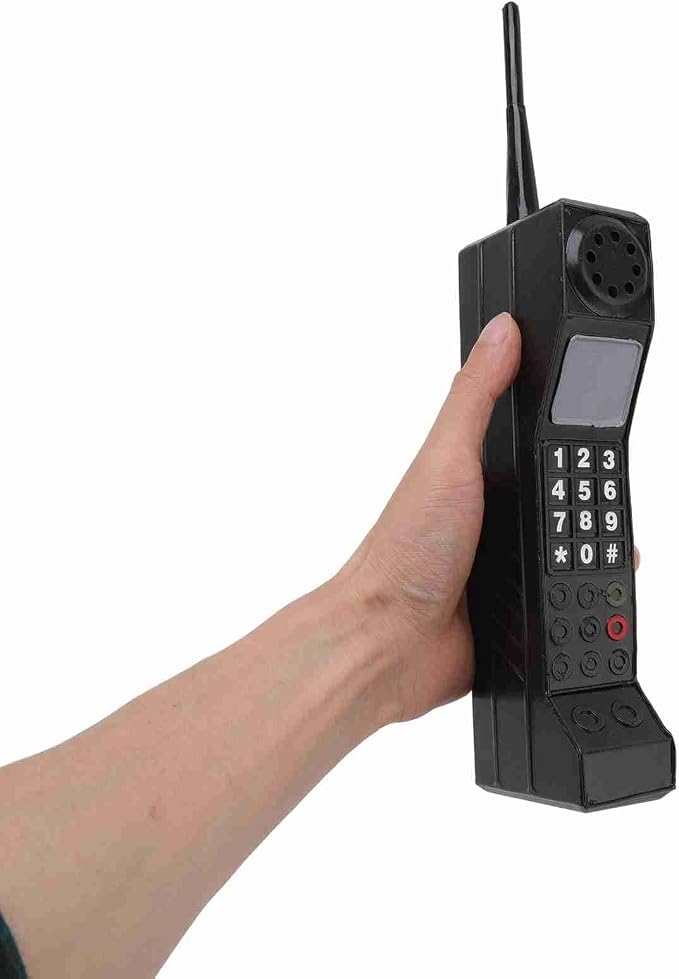

 Retro Computing
Arcade Classics Atari Centipede Counter Series Game Machine with 5 Gam
No reviewer we grade has covered this yet


 Retro Computing
Bluetooth Retro Desk Phone with Handset & Speakerphone
No reviewer we grade has covered this yet
 Retro Computing
GiipGoop RG35XX Pro Handheld Game Consoles RG35XXPro Retro Gaming Cons
No reviewer we grade has covered this yet
 Retro Computing
My Arcade Pac-Man Micro Player Pro: 6.8" Handheld Game
No reviewer we grade has covered this yet
 Retro Computing
My Arcade Sonic Joystick Player: Sonic The Hedgehog
No reviewer we grade has covered this yet
 Retro Computing
My Arcade Street Fighter 2 Champion Edition Video Game: Mini Arcade Ma
No reviewer we grade has covered this yet
 Retro Computing
R40 Retro Handheld Game Console with Storage Case
No reviewer we grade has covered this yet


 Retro Computing
Retro Rotary Phones for Landline Classic Corded Desk Phone
No reviewer we grade has covered this yet

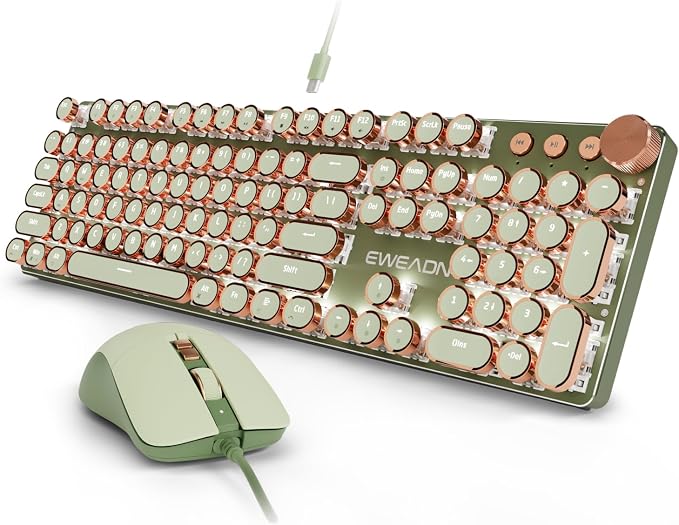 Retro Computing
SEUNKWANG Wired Typewriter Keyboard and Mouse Combo
No reviewer we grade has covered this yet
 Retro Computing
YUNZII C75 Cute 75% Wireless Mechanical Keyboard
No reviewer we grade has covered this yet
 Retro Computing
YUNZII C98 Cute Cake Wireless Mechanical Keyboard
No reviewer we grade has covered this yet
 Retro Computing
YUNZII QL75 Retro Typewriter Hot Swap RGB Keyboard
No reviewer we grade has covered this yet
 Retro Computing
YUNZII QL75 Retro Typewriter Hot Swap RGB Keyboard
No reviewer we grade has covered this yet

Read first
- 101 3D Prints That Actually Improve a Developer Desk
Key points The prints worth making fall into four groups: cable management, monitor positioning, peripheral storage and ergonomic tweaks. VESA monitor arm…
- The Screamer: An Atari Punk Console: the synth that started a thousand basements — Build Guide
Two 555 timers on a breadboard become the legendary square-wave noise box. No code, no firmware — just electrons and regret for your neighbours.
- The Best Custom Keycap Sets for a Keyboard Worth Looking At
A good keycap set changes how a keyboard sounds, feels and looks. Here's what to know about profiles, materials and compatibility before you buy.
- The Best Desk Mats, and the Size That Actually Fits Your Desk
A desk mat is for wrist comfort and mouse tracking, not decoration. Measure your keyboard-to-mouse span first, then choose the material.
- The Best Desk Upgrades Under $100
A monitor lamp, a foot rest and a trackball mouse fix more discomfort per dollar than anything else you can buy. Here's how to spend a hundred pounds three ways.
- The Best Ergonomic Mice for Programmers
Vertical mice rotate your forearm into a handshake position, which reduces pronation strain. They take two weeks to feel normal.
- The Best Low-Profile Mechanical Keyboards
Low-profile mechanical keyboards reduce wrist extension by 10–15mm. That matters if you type without a rest, less if you already use one.
- The Best Mechanical Keyboards for Programming
Full-size boards with hot-swap sockets and QMK support give you keys for every shortcut and the ability to remap them when the defaults fail.
- The Best Monitors for Reading Code, Ranked by Text Clarity
You want pixel density above 100 PPI, a matte coating and enough width for 80-120 columns without turning your head. Most reviewers land on either a 27-inch…
Questions people ask
- Can a retro-styled keyboard still be ergonomic?
- Yes, but watch the front height. Tall vintage-profile cases sit the keys well above the desk, which extends the wrist unless you add a palm rest or use a negative-tilt tray. The switch feel is unrelated to the ergonomics; the case height is what matters.
- Are CRT monitors worth using in 2026?
- For a period-accurate retro machine, sometimes. For daily development work, no — a modern panel at the same size draws a fraction of the power, weighs a fraction as much and does not flicker. The look can be approximated with a bezel and a warm colour profile.
Not quite it?
- Zen GardenNothing on the desk that does not earn its place.
- Battlestation, MannedThree monitors, one chair, zero apologies.
- Retro FitsMid-century furniture that happens to hold a laptop.
- Comic Books, Not Comic SansLoud on the walls, disciplined on the desk.
- CyberdeckExposed hardware, deliberate cabling, no wood anywhere.
- Terminal GreenOne font, one colour, no distractions.