Cyberdeck
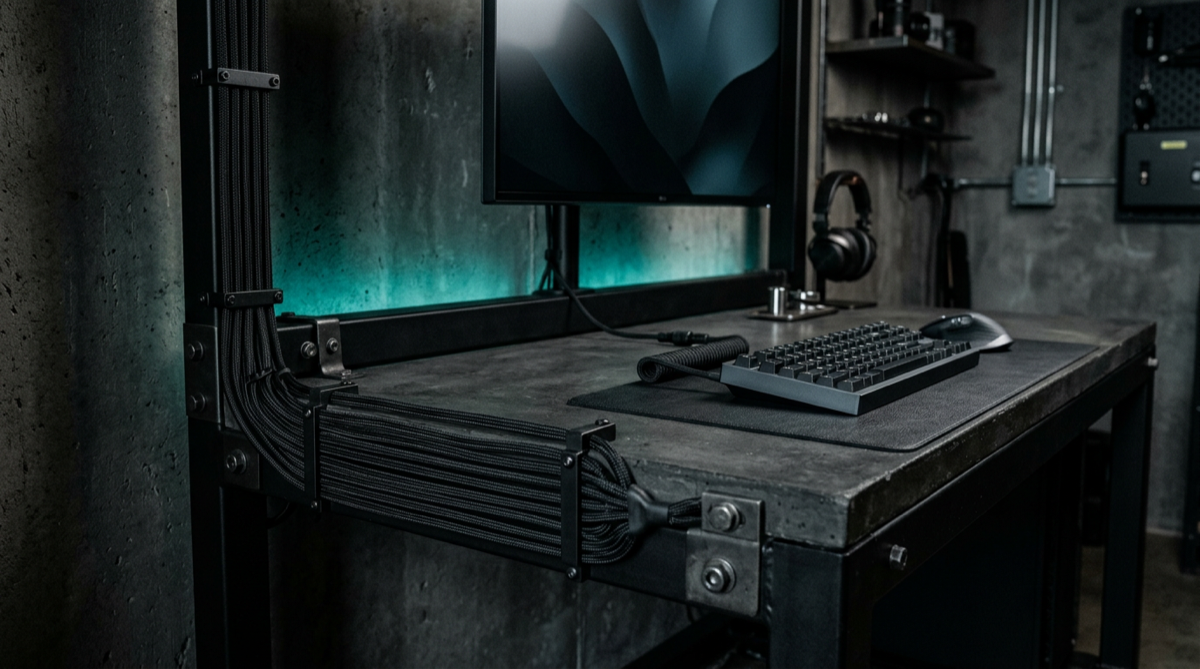
Exposed hardware, deliberate cabling, no wood anywhere.
Cyberdeck inverts the usual advice: instead of hiding the cables, you route them beautifully and leave them visible. That means sleeving, braided runs, cable combs and a frame that gives you somewhere to anchor them. It looks effortless and is the most labour-intensive vibe here.
Start here
- 1 Sleeved or braided cable runs
- 2 A frame desk with anchor points
- 3 Hardware worth showing
The collection
Devs At Home is a participant in the Amazon Services LLC Associates Program, an affiliate advertising program. We earn from qualifying purchases. This never affects what we recommend or what we say about it.


 Cable Management
KEEGH Under Desk Cable Management Tray 36 inch
No reviewer we grade has covered this yet


 Dev Hardware
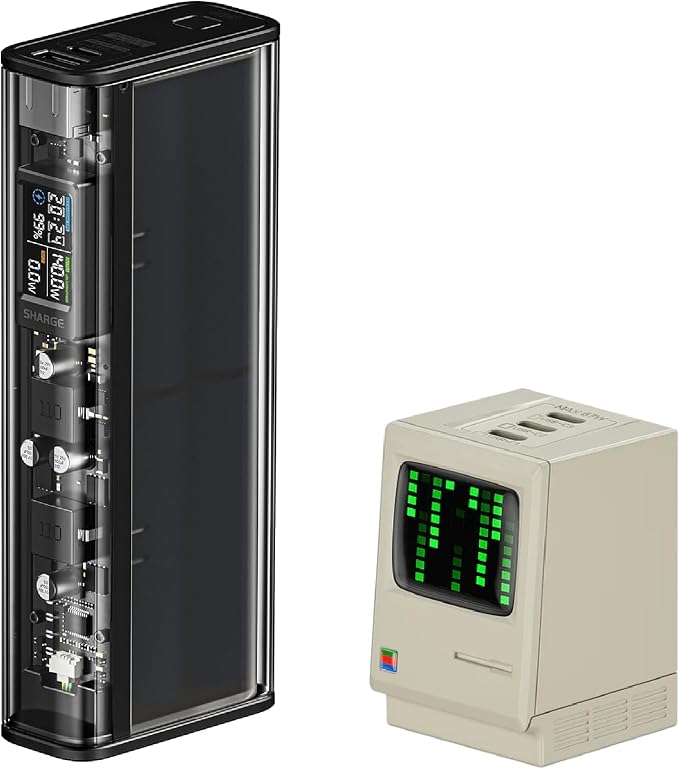
SHARGE USB C Charger Retro 67 Power Display Fast GaN Charger
No reviewer we grade has covered this yet


Read first
- The Screamer: An Atari Punk Console: the synth that started a thousand basements — Build Guide
Two 555 timers on a breadboard become the legendary square-wave noise box. No code, no firmware — just electrons and regret for your neighbours.
- The Best Custom Keycap Sets for a Keyboard Worth Looking At
A good keycap set changes how a keyboard sounds, feels and looks. Here's what to know about profiles, materials and compatibility before you buy.
- The Best Low-Profile Mechanical Keyboards
Low-profile mechanical keyboards reduce wrist extension by 10–15mm. That matters if you type without a rest, less if you already use one.
- The Best Mechanical Keyboards for Programming
Full-size boards with hot-swap sockets and QMK support give you keys for every shortcut and the ability to remap them when the defaults fail.
- The Best Monitors for Reading Code, Ranked by Text Clarity
You want pixel density above 100 PPI, a matte coating and enough width for 80-120 columns without turning your head. Most reviewers land on either a 27-inch…
- The Best Compact Keyboards: TKL and 75% Boards Worth Owning
TKL and 75% keyboards move your mouse closer and flatten your shoulder angle. Four boards tested, two worth the trade-off.
- The Best USB-C Docking Stations for a One-Cable Desk
The right dock delivers power, dual monitors and peripherals through one cable. The wrong one crashes your display or charges too slowly to matter.
- Blue Light: What is it and How Does Blocking it Affect Eye Strain?
Welcome back to Developer's At Home, a blog series focused on researching proper desk chair ergonomics and the best office desk chairs for web developers. In our previous blog…
- The Board: Your first keyboard built from parts, not a box — Build Guide
A hot-swap barebones kit, switches you chose on purpose, and keycaps with a personality. No soldering required.
Questions people ask
- How do you make visible cables look intentional rather than messy?
- Three rules: run cables parallel or at right angles and never diagonally, group same-direction cables into a single sleeved bundle, and terminate every run at a fixed anchor point rather than letting it hang. The effect comes from repetition, not from tidiness.
- Does exposed cabling cause any practical problems?
- Dust and heat. Bundling power and data cables tightly together in a sleeve raises the temperature of the bundle and can pick up interference on unshielded runs. Keep power separate from USB and audio, and leave sleeves loose enough to breathe.
Not quite it?
- Zen GardenNothing on the desk that does not earn its place.
- Battlestation, MannedThree monitors, one chair, zero apologies.
- Beige Box NostalgiaIt boots to a prompt and it sounds like 1994.
- Retro FitsMid-century furniture that happens to hold a laptop.
- Comic Books, Not Comic SansLoud on the walls, disciplined on the desk.
- Terminal GreenOne font, one colour, no distractions.