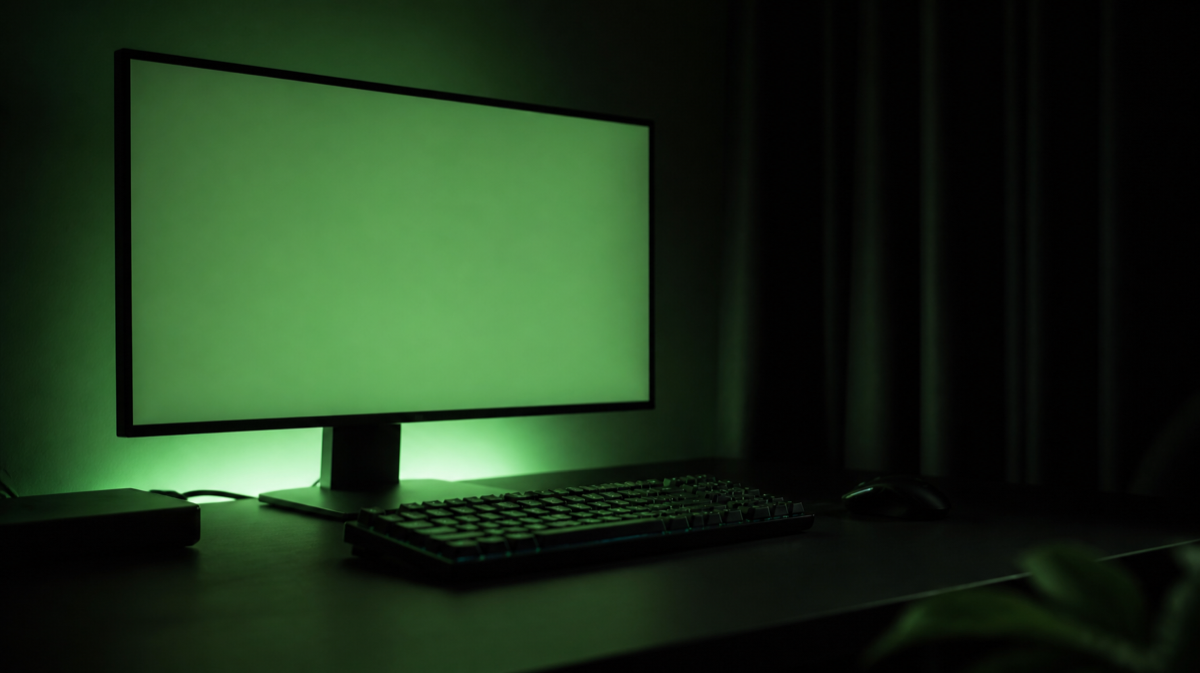
Terminal Green
One font, one colour, no distractions.
Terminal Green is the setup for people who work in the dark and mean it. The whole room is arranged so nothing competes with the screen: matte surfaces, no reflective finishes, bias lighting behind the monitor so your eyes are not doing all the contrast work themselves.
Start here
- 1 Bias lighting behind the monitor
- 2 A matte, non-reflective panel
- 3 Blackout window covering
The collection
Devs At Home is a participant in the Amazon Services LLC Associates Program, an affiliate advertising program. We earn from qualifying purchases. This never affects what we recommend or what we say about it.


 Ambient Lighting
Tatazone 5V USB COB Led Strip Light with RF Remote
3 ranked reviews, none we trust yet


 Ambient Lighting
PHILIPS Hue Indoor 10 Ft Smart RGBWW LED Solo Lightstrip Base Kit
No reviewer we grade has covered this yet

 Ambient Lighting
Retro TV Head Neon Sign Dandy Sign Smile TV Character LED Neon Light f
No reviewer we grade has covered this yet


 Ambient Lighting
TV Neon Sign Mirror Retro Light 13.3x13 in Pink USB Dimmable Wall Deco
No reviewer we grade has covered this yet
 Ambient Lighting
Ulalaza Neon Light Sign LED XOXO Night Lights USB Operated Decorative
No reviewer we grade has covered this yet
 Ambient Lighting
wootfairy LED Lights Wall Decor 12.2*11.41in Dimmable Smiley Face Neon
No reviewer we grade has covered this yet


 Displays & Monitors
Philips 27" Computer Monitor FHD 100Hz VA VESA Eye Care
3 ranked reviews, none we trust yet
 Displays & Monitors
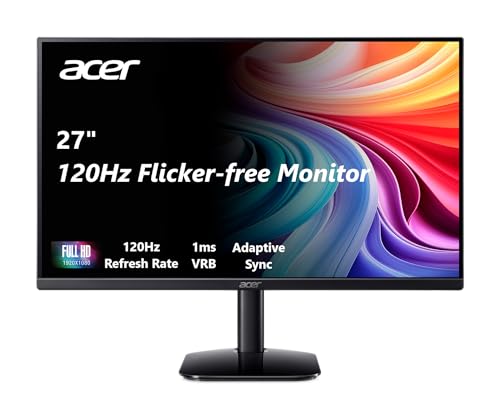
Acer 27 Inch Monitor KB272 FHD IPS 1920 x 1080 Display
No reviewer we grade has covered this yet
Read first
- Build a Desk-Mounted, AI Aim-Assisted Foam Dart Turret
A webcam, a pan-tilt servo bracket, OpenCV face tracking, and a motorized Nerf blaster make a weekend project that defends your desk — or starts an office war.
- BenQ ScreenBar vs Quntis: What the Extra Money Buys
The BenQ ScreenBar Halo 2 costs five times what the Quntis Computer Monitor Lamp does. Here's what that gap actually pays for.
- The Best Custom Keycap Sets for a Keyboard Worth Looking At
A good keycap set changes how a keyboard sounds, feels and looks. Here's what to know about profiles, materials and compatibility before you buy.
- The Best Desk Toys for Engineers Who Fidget While Thinking
The kinetic toys that let you think with your hands, tested for noise and durability on video calls and in deep work.
- The Best Low-Profile Mechanical Keyboards
Low-profile mechanical keyboards reduce wrist extension by 10–15mm. That matters if you type without a rest, less if you already use one.
- The Best Mechanical Keyboards for Programming
Full-size boards with hot-swap sockets and QMK support give you keys for every shortcut and the ability to remap them when the defaults fail.
- The Best Monitors for Reading Code, Ranked by Text Clarity
You want pixel density above 100 PPI, a matte coating and enough width for 80-120 columns without turning your head. Most reviewers land on either a 27-inch…
- The Best Monitor Light Bars for Eye Strain and Late Nights
A light bar throws light onto your desk without reflecting off the screen. Here's what works, what doesn't, and which one to buy.
- The Best Compact Keyboards: TKL and 75% Boards Worth Owning
TKL and 75% keyboards move your mouse closer and flatten your shoulder angle. Four boards tested, two worth the trade-off.
Questions people ask
- Is working in a dark room bad for your eyes?
- A bright screen in a fully dark room forces the pupil to work against a large luminance difference, which is associated with reported eye strain. The usual fix is bias lighting — a modest light behind the monitor that raises the surrounding brightness without adding glare to the screen.
- Does a matte screen finish actually reduce strain?
- It reduces specular reflections, which are the sharp mirror-like highlights that make you refocus. Matte coatings scatter that light instead, at the cost of slightly softer text. In a dark room with controlled lighting the benefit is smaller than in a bright one.
Not quite it?
- Zen GardenNothing on the desk that does not earn its place.
- Battlestation, MannedThree monitors, one chair, zero apologies.
- Beige Box NostalgiaIt boots to a prompt and it sounds like 1994.
- Retro FitsMid-century furniture that happens to hold a laptop.
- Comic Books, Not Comic SansLoud on the walls, disciplined on the desk.
- CyberdeckExposed hardware, deliberate cabling, no wood anywhere.